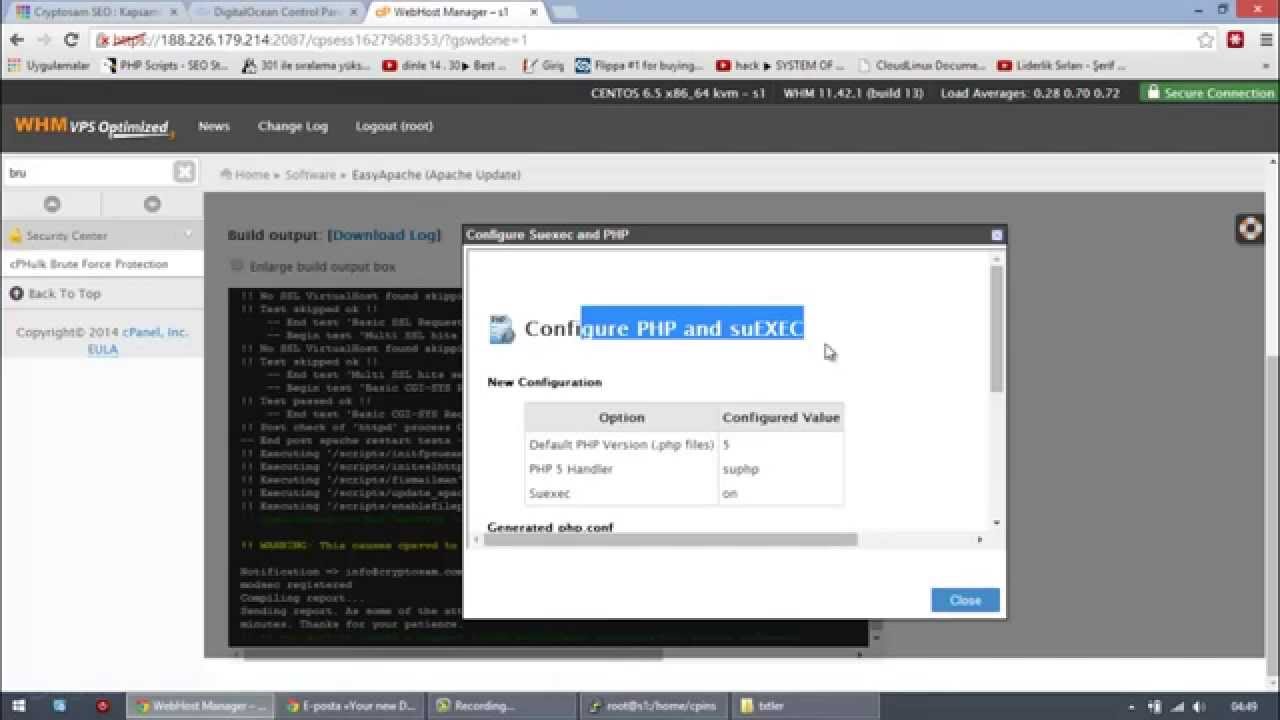
We enter the following commands sequentially into our server via SSH access. For cPanel, I generally prefer CentOS.
mkdir /home/cpins
cd /home/cpins
wget http://layer1.cpanel.net/latest
sh latest
Note that the 4 commands are given separately.
mkdir: means create the cpins directory inside home.
The 2nd line, cd /home, means enter that directory.
The 3rd line, wget /home…, means pull this file to that directory.
And sh latest means start the installation.
The installation will take between 15 minutes and 2 hours depending on your server’s RAM, CPU, and connection specifications. My estimate for a moderate device with 4 CPUs and 4 GB of RAM on DigitalOcean, etc., is that it won’t exceed 30 minutes. When it finishes, the screen will stop anyway, so you will know. It will reach a state where you can type in the command line.
I had previously explained the installation in a video. I haven’t had the chance to record a new one yet. I am adding that one too so you can see how it’s done, even though it isn’t up to date.