/usr/local/directadmin/custombuild/build options | grep PHP
With this command, we list the PHP versions installed on the server.
The output shows the number corresponding to the relevant PHP version.
PHP (default): 7.2 as lsphp
PHP (additional): 7.3 as lsphp
PHP (additional, 3rd): 7.4 as lsphp
PHP (additional, 4th): 8.1 as lsphp
If we get an output like this:
7.2 corresponds to select 1 below
7.3 corresponds to select 2 below
7.4 corresponds to select 3 below
8.1 corresponds to select 4 below
It lists the sites with these settings.
To determine which is php1 or php2 without using the output;
You can check the versions from the Custombuild/Edit Options section as shown in the image below.
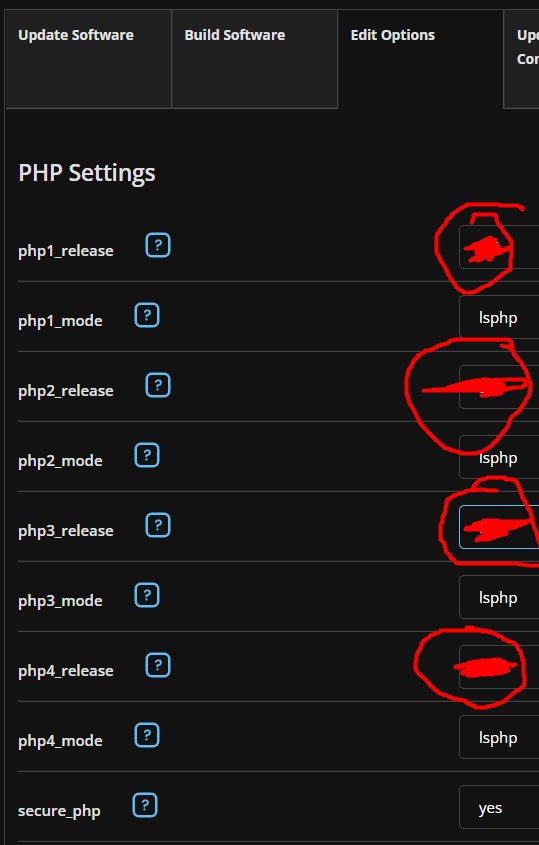
When we run the following commands in order, they give us the sites using the relevant PHP version.
egrep php1_select=1 /usr/local/directadmin/data/users/*/domains/*.conf
egrep php1_select=2 /usr/local/directadmin/data/users/*/domains/*.conf
egrep php1_select=3 /usr/local/directadmin/data/users/*/domains/*.conf
egrep php1_select=4 /usr/local/directadmin/data/users/*/domains/*.conf
Note: If some sites are not listed, it means you haven’t made a manual selection for them. Since php1_release is the default PHP version, they are automatically using that version.