I wanted to point the domain’s DNS to the server from my Isimtescil account: I entered the nameservers. The response was: The DNS servers you want to use are invalid. Please make sure your DNS servers are correct!!
What should I do, has anyone encountered this before? Where did I go wrong?
Also, if @cryptosam could answer, I would be very happy about this: I installed cPanel but I’m going to delete it and install another panel, something free like Virtualmin, so how can I delete this cPanel now? Thanks.
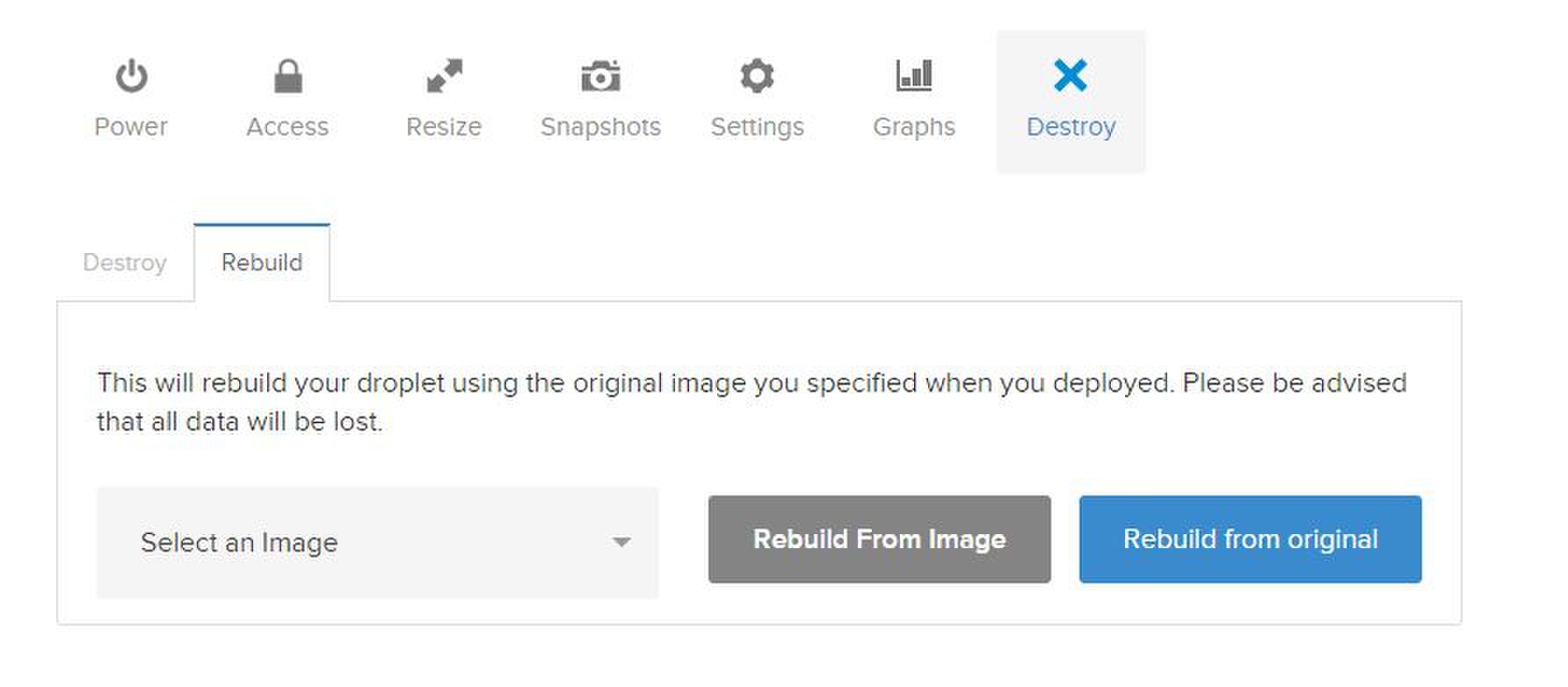
I think I solved the first problem. I bought the domain via Isimtescil, forwarded the server’s IP address to the relevant person there, and I guess they did something now it’s working. What remains is getting rid of that $15 damn cPanel. How can I do that? Should I just “destroy” it? Let’s not burn down the datacenter from the panel
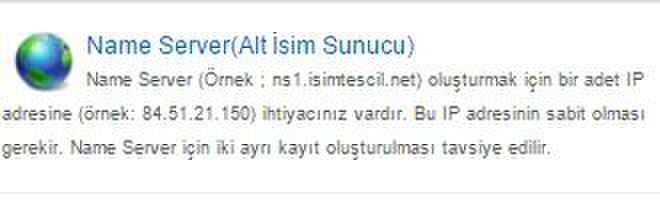
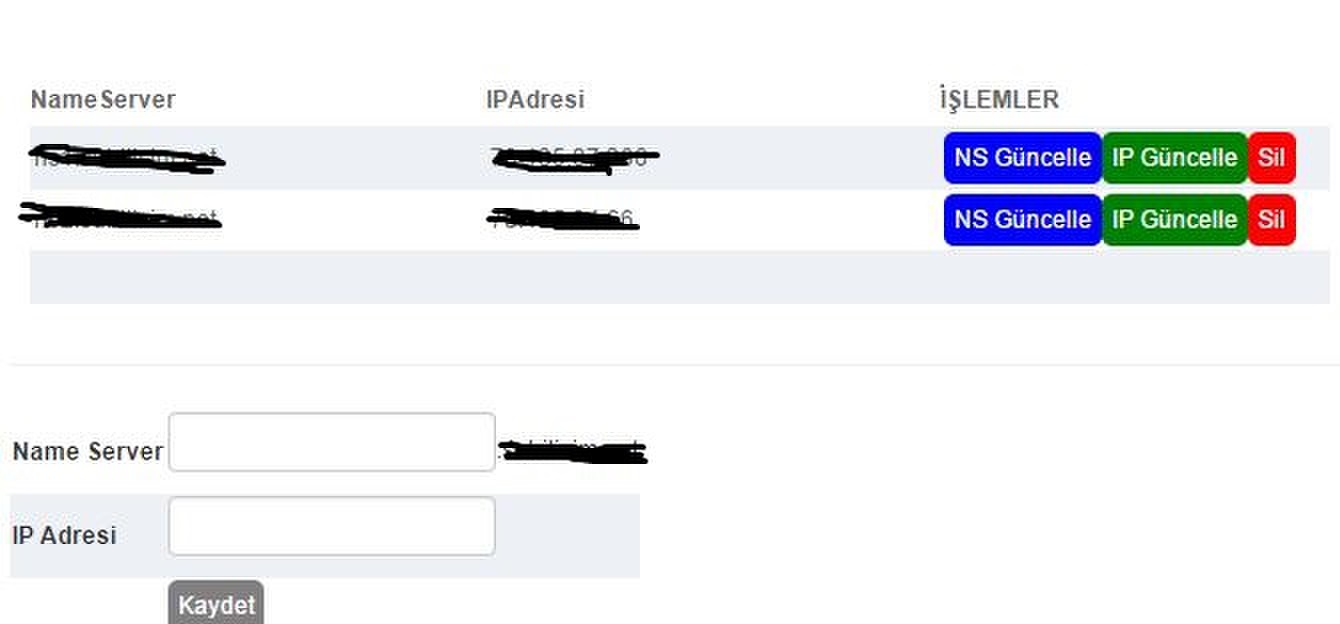
Write ns1 in the Name Server section, write the server IP in the IP section, click save, then write ns2 in that section again, write the same IP again, click save, then go to the DNS section and set up the redirection.
You cannot delete cPanel, you need to format the server, but as far as I can see, you are quite new to these things; don’t install Virtualmin and get yourself into trouble.
 now it’s working. What remains is getting rid of that $15 damn cPanel. How can I do that? Should I just “destroy” it? Let’s not burn down the datacenter from the panel